Create Test Events
Tosca Commander Settings
Add to the tosca configuration settings. Project -> Settings

Navigate to the Settings -> Commander -> DistributedExecution -> Monitor URL add in your Monitor url for tosca server with port 5007 and urui /Monitor
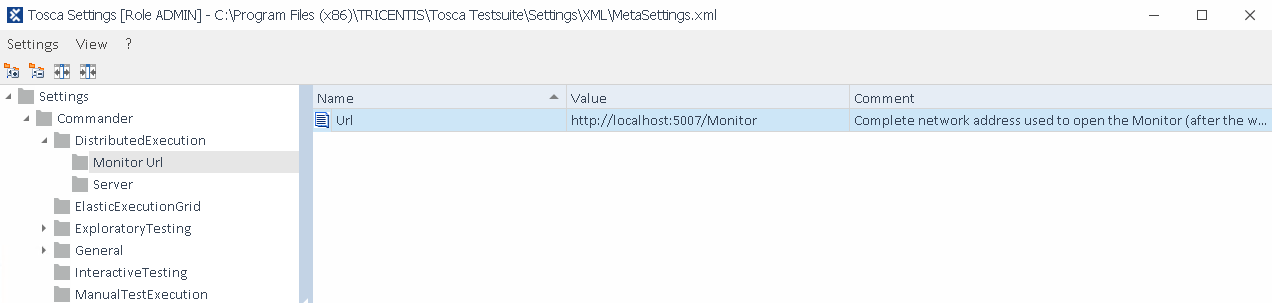
Navigate to the Settigns -> Commander -> DistributedExecution -> Server

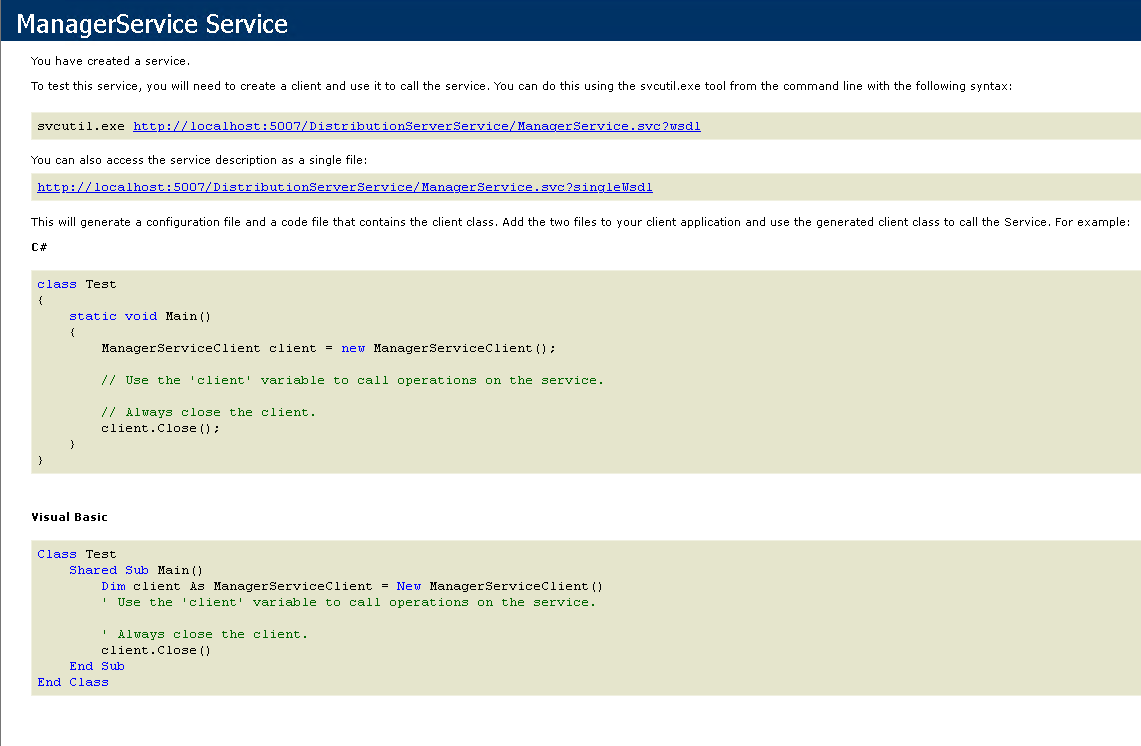
ensure this is correct load the url in a browser
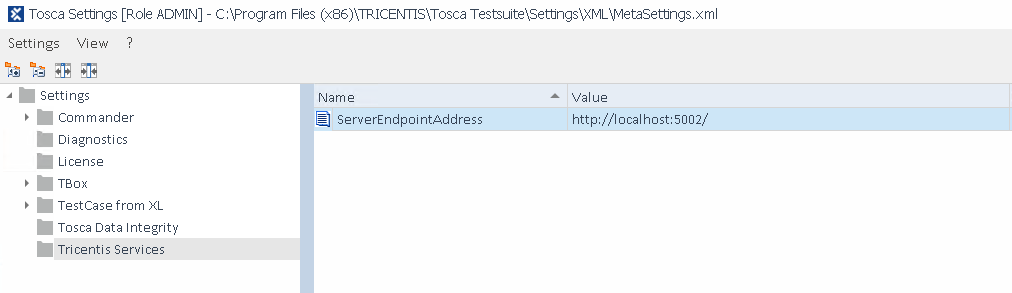
Ensure you also set the Settings -> Tricentis Services correctly http://server:5002
Creating Test Events In Tosca Commander
To start with we want to check the Test Events Section of the Execution lists tab.
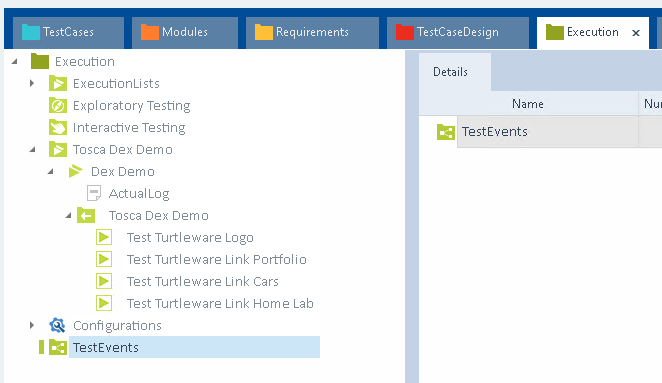
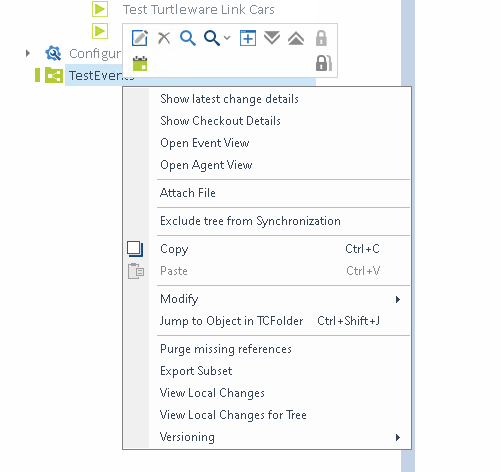


Next we will want to add our test cases to the test event. to do so we need to checkout our
Test Events\Tosca Dex Demo
Drag and Drop our execution list onto the test event.

When copied we will see the below

Next we will want to make sure we have the required settings fixed, and we are able to run via an agent. To do so we want to check through the execution list configuration tab.

Here we will want to perform a right click on the Configuration root element, and selecting the menu item Refresh Agents
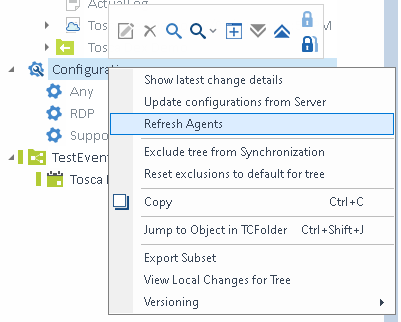
We can validate our setup by looking at the agent count in the Details tab. Here we can see the one agent we setup earlier ready to accept test cases.

We can now checkin the entire project (must be done) or Tosca Dex Agents wont be able to checkout the tests and perform execution.
Right Click on the Tosca Demo Event, and select the Execute Now item. This will trigger the Dex Server to initiate a test case.

Now we will want to navigate to the following url http://localhost/Monitor, this will return the following page where we can see our test run waiting to download the necessary resources.

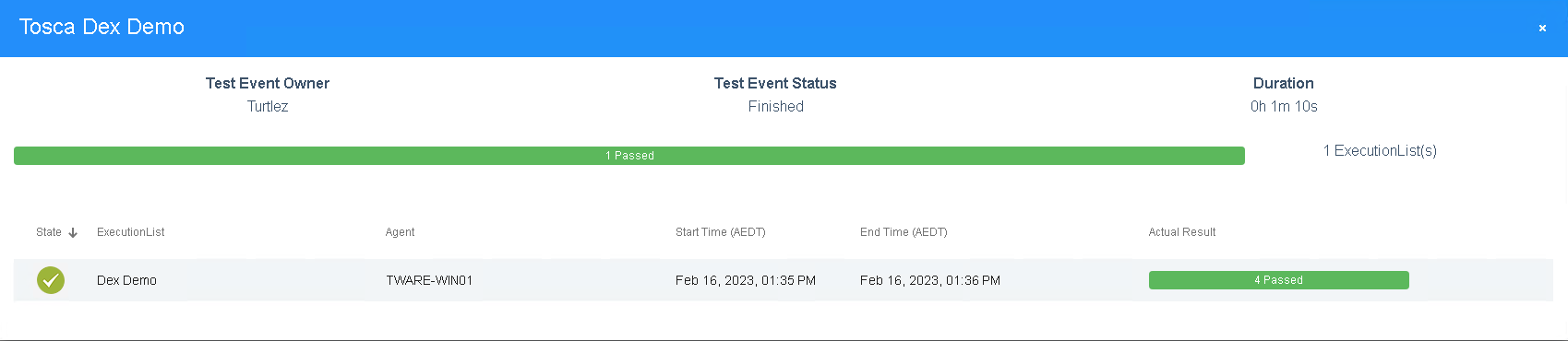
When we click on the currently awiting test case we are shown this modal pop up which will give use general information about the current test run. Here was can see progress as it happens. As test cases run and pass or fail the modal will update with the correct information.

Once the test event has run we can see the modal updates a final time to show that the test event has passed successfully, and that the execution has ended.
Lastly we can open Tosca Commander and check the status is correctly reported back to Tosca Commander Execution List.
